See how Wabric solves this
30 minutes with someone who understands complex product manufacturing. No pressure, no script.
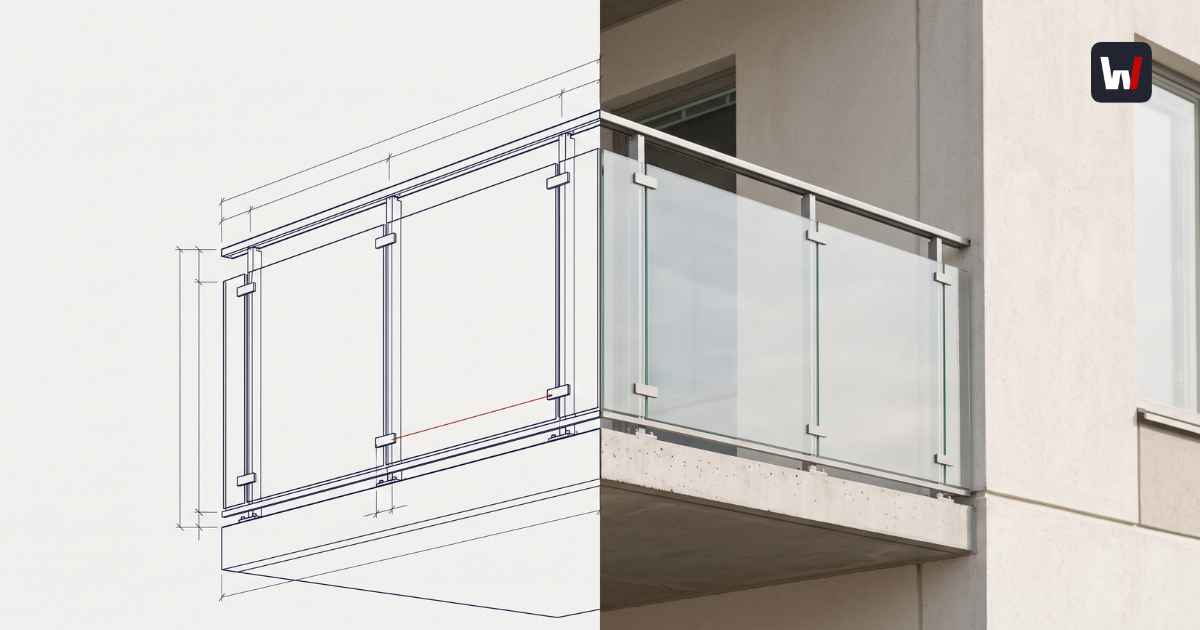
Talk with Sales →Automated production drawings are technical drawings - DWG, DXF, cut lists, hole patterns - generated directly from a confirmed product configuration instead of drafted by hand after the order lands. When the configurator manipulates a real parametric model, the drawing is an export, not a task. The drafting queue between "order confirmed" and "machines running" disappears.
We've written before about the wall between sales and engineering - the upstream problem, where quotes wait days for technical validation. This post is about what happens downstream, after the customer says yes. Because for most manufacturers of configured products, winning the order starts a second queue that the customer never sees and the sales team never counts.
Every configured order gets drawn twice. Nobody budgets for the second time
Here is the standard sequence in an engineer-to-order or configure-to-order shop:
Sales configures something - in a spreadsheet, a legacy configurator, or an email thread - and sends a quote. The customer confirms. Now the order goes to the drafting team, who open CAD and draw the product again: the real geometry this time, with the dimensions the brake press and the CNC router actually need. Shop drawings, cut lists, DXF profiles for nesting, hole patterns for the machining centre.
That second drawing pass has three costs:
- Time. The order sits in the drawing queue behind every other confirmed order. Lead time quoted to the customer quietly includes days of drafting that add no value the customer can perceive.
- Divergence. The drawing pass is where quoted product and delivered product drift apart. Tacton's 2026 State of Manufacturing survey found that more than a third of manufacturers report frequent change orders and ongoing difficulty generating valid engineering and manufacturing BOMs from configured quotes, and 62% see at least moderate margin loss between quote and delivery. The redraw is exactly where that leak lives: a human re-interprets the sales configuration, and every re-interpretation is a chance to disagree with the number already signed.
- People. Drafting capacity is engineering capacity. Every hour a CAD engineer spends redrawing a standard door variant is an hour not spent on the genuinely custom work only they can do.
The same survey found that only 7% of manufacturers define their configuration rules once and reuse them across systems. The other 93% maintain the rules twice - once in whatever quotes, once in whatever draws - and re-synchronise by hand. That is the structural cause of the second drawing pass. Fix that, and the pass disappears.
The three generations of drawing automation
"Drawing automation" is an old promise, so it helps to be precise about what generation of it a vendor is selling.
- Generation 1: CAD macros and templates. Parametric templates inside AutoCAD, Inventor, or SOLIDWORKS, driven by a spreadsheet. Cheap to start, brittle at scale: the logic lives in macro code that one person understands, and every product change means editing scripts. Most manufacturing companies have a graveyard of these.
- Generation 2: desktop design automation. Tools like DriveWorks industrialised the macro approach: rules-driven generation of order-specific parts, assemblies, and drawings inside SOLIDWORKS. This genuinely works, and for shops standardised on SOLIDWORKS it is a proven route. Its boundaries are architectural, not qualitative: the automation runs where the CAD licence runs. Distribution to dealers, embedding in a website, or serving a buyer who has a browser and nothing else means building and maintaining a separate web layer that talks to the desktop engine - one more seam that breaks when the product model changes.
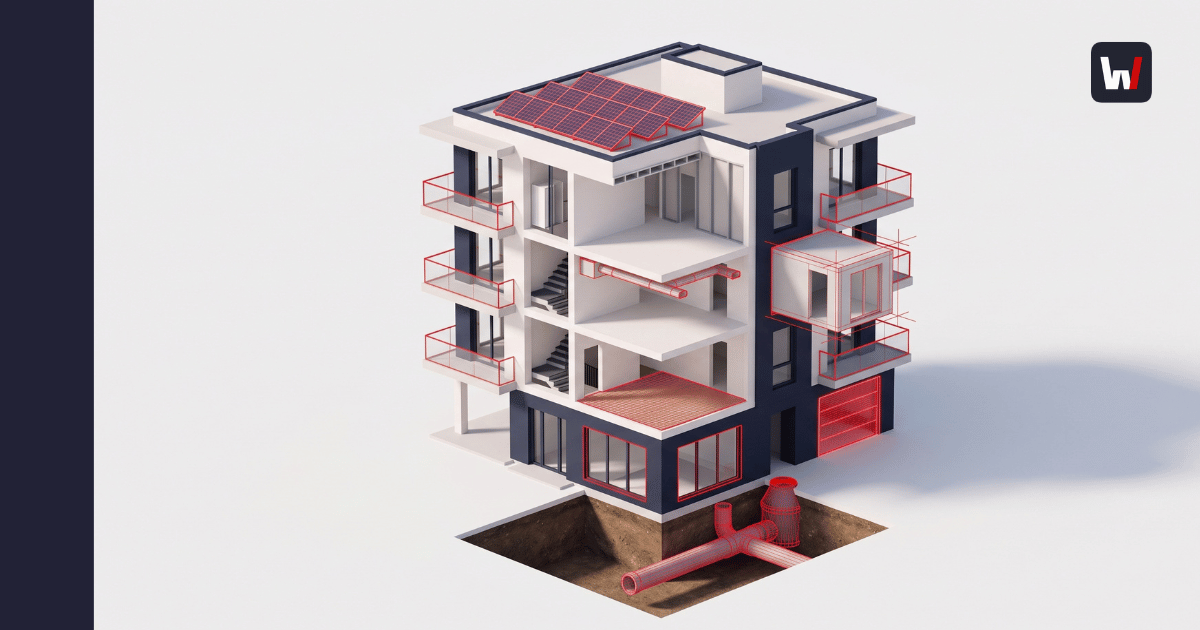
- Generation 3: the model lives in the browser. The configurator is not a form that later drives CAD. It is the parametric model - real geometry with real constraints, running in the browser session where the buyer or dealer is configuring. In Wabric, that model is a parametric digital twin rendered in the browser: as parameters change, geometry updates live, and when the configuration is confirmed, the same object emits the priced quote, the itemised BOM, the DWG/SOLID files for fabrication, and an IFC object for BIM coordination. There is no handoff from a sales tool to a CAD tool, because there is only one model. The drawing cannot disagree with the quote for the same reason a photograph cannot disagree with its negative.
The generational difference is not drawing quality. Generation 2 produces excellent drawings. The difference is where the single source of truth sits and who can trigger it. When the model itself is browser-native, a dealer in another country or a buyer on your website generates production-grade output without a CAD seat existing anywhere in the loop.
What production-ready actually means
"We generate drawings" is the most abused sentence in configurator sales. A rendered 3D preview with overall dimensions is a sales drawing. Production-ready is a higher bar, and your factory floor defines it:
- Fabrication-level dimensioning - not just overall W×H×D, but the dimensions the operator sets the machine to: profile cut lengths and angles, hole positions and diameters, bend lines, edge details
- Cut lists and piece labels that match the BOM (Bill of materials) line for line, so the saw operator and the buyer are counting the same parts
- Machine-consumable formats - DWG/DXF that CAM and nesting software ingests directly for CNC routing, laser, or sheet-metal work, without a drafter "cleaning up" the file first
- A BOM that is itemised, not summarised - article numbers, materials, quantities per position, because procurement orders from it
- Version identity - the drawing carries the configuration's unique identifier, so when the customer changes their mind, revision N+1 replaces revision N everywhere at once instead of circulating as a PDF with "_final_v2" in the filename
The blunt vendor test: bring a real order from last month to the demo and ask to see the DWG it would have produced. If the answer involves the word "integration," you are looking at Generation 2 wearing a web front-end, and every product update will re-open that seam. Tacton's data again: only 21% of manufacturers automatically propagate engineering changes across sales and production systems. The other 79% are living in that seam.
What this looks like when it runs
Saku Metall, an Estonian manufacturer of doors and hatches, ran the two-queue version of this process: roughly two weeks from enquiry to quote, and every confirmed order crossing the drafting desk. On a browser-native parametric configurator built on their real product logic:
- Sales cycle dropped from two weeks to about two hours
- 90-95% of standard orders are configured self-service by customers, with production output generated from the same configuration
- Order errors fell by roughly 80% - invalid geometry cannot be configured, so it cannot be ordered, so it cannot reach the floor
ROI landed in under three months. Engineers returned from redrawing known products to designing new ones.
Where the boundary honestly sits
Automated drawings cover the configurable portion of your catalogue - the products whose variation is parametric: dimensions, materials, options, quantities within engineered limits. The genuinely novel job, the one-off that has never existed before, still needs an engineer, and it should. The economic point is proportion. In configure-to-order businesses, the majority of order volume follows known parametric patterns - that is why the business is CTO in the first place. That is the volume currently clogging the drafting queue, and it is the volume a parametric model handles without human touch, freeing your engineers for the minority of work that genuinely needs them.
Start there: pull last quarter's confirmed orders and mark which ones were parametric variants of existing products versus genuinely new engineering. The first number is your automation case. Most manufacturers who run this exercise are surprised in the same direction.
Want to see engineer to order product go from browser configuration to DWG in one session? Book a demo - we'll walk it from parameters to production files live.
Frequently Asked Questions
Technical drawings - DWG, DXF, cut lists, fabrication details - generated automatically from a confirmed product configuration rather than drafted manually after the order. In a parametric system, the drawing is an export of the same model that produced the quote, so the two cannot diverge.
A sales drawing shows the customer what they are buying: appearance, overall dimensions, options. A production drawing tells the shop floor how to make it: cut lengths, hole positions, bend lines, machine-ready DXF profiles, and a line-itemised BOM. Many configurators generate the first and call it the second.
Yes, if the configurator itself is the parametric model rather than a front-end that drives desktop CAD. Browser-native systems generate DWG/SOLID output server-side from the configured geometry, so dealers and buyers trigger production files with nothing but a browser. Desktop design automation (macros, SOLIDWORKS-based tools) requires the CAD environment somewhere in the chain.
hrough machine-consumable file formats. The configuration exports DXF/DWG geometry that nesting and CAM software reads directly for CNC routing, laser cutting, or sheet-metal work, plus cut lists matched to the BOM. The measure of quality is whether the file goes into CAM without a drafter editing it first.
For the parametric share of them. Orders that are variants of known products - different dimensions, materials, options within engineered limits - automate fully. Genuinely novel engineering still needs an engineer; automation's job is to stop known variants from consuming engineering time. Audit your own split: mark last quarter's confirmed orders as parametric variants versus new engineering, and the first number is your automation case.
Generating DWG-format technical drawings programmatically from product data or a configuration instead of drafting them in CAD. In configurator-led sales, it means every confirmed configuration ships with its own order-specific DWG, produced by the same model that priced the quote.