Keep your ERP. Fix the sale.
Want to see how this would work with your products and your ERP? Book a demo and we'll talk through what you need and which modules fit.
Book a demo →Key Takeaways
- An ERP variant configurator makes sure an order can be built and gives production a valid bill of materials. It's built for internal users, not for customers or partners.
- CPQ is built for the sale: customers, partners and sales configure on their own, see a live price and get a quote they can approve.
- You don't have to replace your ERP. It stays the source of prices and orders, and the CPQ sends each confirmed order back into it.
- For engineered products, check what happens after the quote. Wabric also produces the bill of materials, the production drawings and a BIM file from the same configuration, so nobody redraws the order.
- If only your own team configures a few stable options, your ERP configurator may be enough. If engineers redraw orders or partners call for prices, it's time for CPQ.
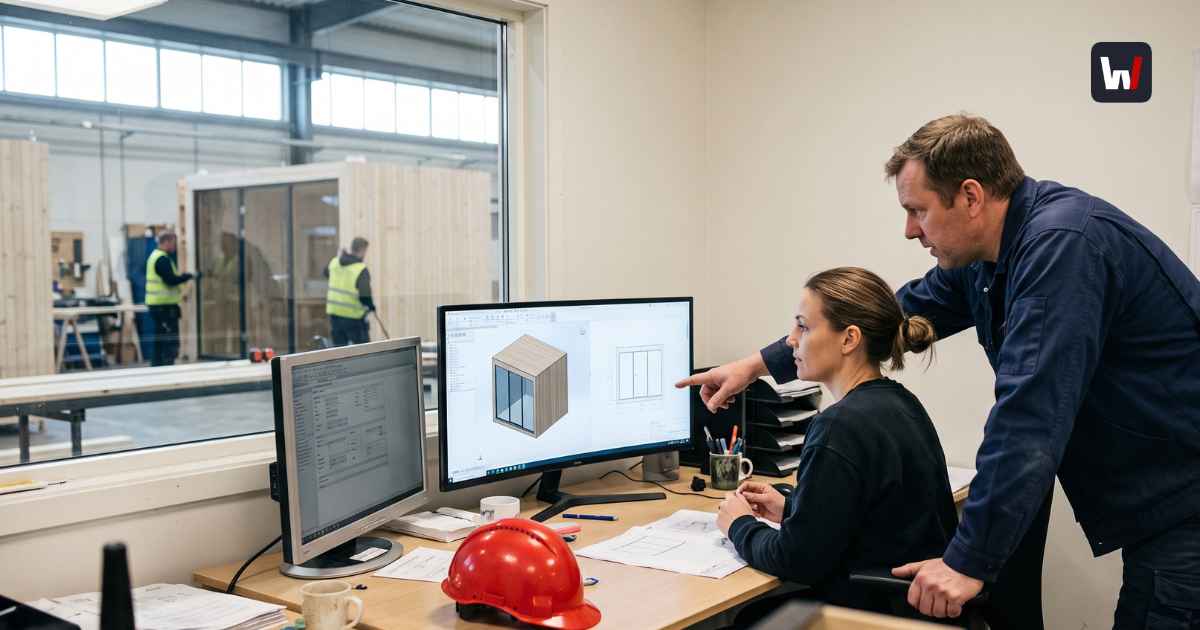
Wallenium builds focus rooms in custom dimensions. Before Wabric, their sales engineers took every client's wishes and turned them into Odoo form selections by hand.
The ERP had the products. It had the prices. What it didn't have was a way for the client to design a room, see it and get a price without a sales engineer in the middle.
If your ERP already has a variant configurator, it's fair to ask why you'd pay for CPQ on top. Here's the straight answer, including when you shouldn't.
What is an ERP variant configurator?
An ERP variant configurator, also called an ERP product configurator, is the configuration module inside your ERP. You define a product, its options and the rules between them. The ERP then turns each valid combination into a bill of materials and the steps production needs to build it.
Many manufacturing ERPs have one. SAP calls it Variant Configuration. Microsoft Dynamics 365 uses product configuration models. Odoo works with product variants and attributes.
It's good at one thing: making sure what gets ordered can be built, with the right parts. It was built for people inside your company who already know the product, the codes and the screens.
What is CPQ?
CPQ stands for configure, price, quote. It's software built for the sale. Your customer, a partner or your sales rep picks the options, sees the price straight away and gets a quote they can approve.
Behind the screen, the CPQ only offers combinations you can actually build and applies your pricing rules. So a quote doesn't have to wait for an engineer to check it. More in our complete guide to CPQ.
ERP variant configurator vs CPQ: what's the difference?
Both check that a product can be built. The difference is who uses them and what comes out. An ERP variant configurator is for your own team and gives production a bill of materials. CPQ is for the people selling and buying: your sales team, partners and customers. It gives them a live price and a quote.
One is built for the back office. The other is built for the sale. For engineered products, the bigger question is how the two connect: how a confirmed quote reaches production without anyone retyping, rechecking or redrawing it. Most comparisons skip that part. It's covered below.

Where does an ERP variant configurator stop?
At the edge of your company. It works for the people who know the codes, not for the customer, the partner, or the engineer who has to draw the order.
- Your customers and partners can't use it
It sits behind ERP logins and screens built for people who know the product codes. So every request goes through sales, and often through an engineer. At R-Fix, sales couldn't finalise a quote until an engineer had checked it.
Hiring more salespeople doesn't fix this. The bottleneck is engineering.
- The output is a parts list, not a quote
It tells production what to build. It wasn't made to give your customer a quote they can approve, with a clear price and visuals. So someone often rebuilds the quote by hand in Word or Excel.
- Pricing ends up in spreadsheets
ERP configurators handle list prices well. Project discounts, customer-specific prices and options priced by size are harder. So sales works them out in Excel, and every rep's number comes out a little different.
- Changing a rule is a project
A new option, size or material means new rule logic. In many ERPs, only a specialist or an outside consultant can safely edit it. So the rules lag behind the product.
- Your customer can't see what they're buying
An ERP configurator shows options as codes and drop-down lists, not as the product. Your client has to picture the result from a list, or wait for someone to send a sketch. In Wabric, the client sees the configured product in 3D while they choose, so they know exactly what they're approving.
- It doesn't draw
The configurator gives you a valid BOM. It doesn't give you the project-specific production drawing. An engineer still opens CAD and draws the order again.
At Krah Pipes, a project could bounce up to 16 times over email before the production details were locked.
None of this makes your ERP bad. It was built for after the sale, not during it.
What does CPQ add on top of your ERP?
A good CPQ fixes the first 5 problems above. Customers and partners configure on their own, see the product in 3D, and get a live price and a quote they can approve. And you update the rules yourself.
Most CPQ tools stop there, and so do most comparisons. But for engineered products, the expensive work starts after the quote: engineering draws the order again in CAD. In many CPQ setups, the drawing still comes from a separate CAD system and licence.
Wabric also fixes the last one. The customer configures a 3D model that follows your engineering rules, and the same model produces:
- the quote with an itemised bill of materials
- production-ready drawings (DWG) for manufacturing
- a BIM file of the exact product for the architect
Innore shows what that means in practice. Its balcony railing configurator generates BOMs, prices, drawings and ERP orders automatically. The result: 80 hours of sales time saved per month and 50% of manual quoting gone.
At Krah Pipes, sales and partners now handle up to 80% of technical drawings and revisions themselves.
If you sell to construction projects, the BIM file matters too. Architects design buildings in 3D software like Revit and Archicad. A BIM file lets them put your exact product straight into the design, so it's already in the plans the builder orders from.
Do you have to replace your ERP?
No. Keep it. Your ERP is good at prices, stock, purchasing, production orders and invoicing. What changes is where the configuration happens.
A typical setup looks like this:
- Your ERP feeds product and price data to Wabric.
- The customer, partner or sales rep configures in the browser and sees the price straight away.
- The confirmed order goes back to the ERP, and production gets the drawing.
That's how Wabric customers run it today:
- R-Fix runs automated CPQ with live ERP pricing and saves hundreds of engineering hours a month.
- Innore's orders flow straight into their ERP.
- Krah Pipes connected Wabric to Odoo and to its production software, with 100% pricing consistency.
- Floorin syncs product data from Wabric PIM with Odoo twice a day.
- Wallenium, where this article started: clients now design custom-dimension rooms themselves, get a price in real time and an instant order PDF with 3D snapshots. Odoo still handles pricing and orders.
If you run Salesforce as your CRM, it stays too.
See which systems Wabric integrates with.
When is your ERP configurator enough?
Sometimes it is. Stay with it if:
- your options are few and rarely change
- only your own team configures, never customers or partners
- orders don't need a new drawing
- nobody asks you for BIM files
You've outgrown it if:
- engineers redraw every confirmed order
- partners call your team to get a price
- a quote takes days or weeks of back and forth
- architects ask for BIM files you can't send
- a new option means waiting for an ERP consultant
If the second list sounds familiar, the ERP configurator is already costing you engineering time. The ROI calculator puts a number on it.
Summary
Your ERP variant configurator makes sure production gets a valid parts list. CPQ makes sure the customer gets a price and a quote they can approve. For engineered products, Wabric adds what both leave out: the production drawing and the BIM file, from the same configuration as the quote.
You don't replace your ERP. It keeps prices and orders. You just stop configuring in it.
Frequently Asked Questions
An ERP variant configurator makes sure an order can be built and gives production a valid bill of materials. CPQ is built for selling: customers, partners and sales configure, see a live price and get a quote. You can run both: the CPQ handles the sale and sends the order to the ERP.
Yes. The ERP stays the price source and the CPQ applies those prices to each configuration. R-Fix runs Wabric with live ERP pricing.
It takes over the selling side: customers, partners and sales configure in the CPQ. Your ERP stays for orders, stock and production. How much of the ERP's own configuration logic you keep depends on how the two are connected.
Some can, but many rely on a separate CAD system and licence. Wabric CPQ produces production-ready drawings (DWG) and BIM files (IFC) from the same configuration as the quote.
Usually not. It's built for internal users behind ERP logins. A CPQ with a partner portal gives distributors their own access to configure and quote within your rules. HolaRoof runs one with role-based access and an automated bill of materials.
It depends on who configures and what each order needs. If only your team configures simple, stable products, the ERP configurator may be enough. If engineers redraw orders, partners call for prices or architects ask for BIM files, a CPQ that produces the quote, the drawing and the BIM file from one configuration removes that work.


